Let me throw a scenario out there for ya quick.. Think about if you were a consultant who’s brilliant at solving clients’ problems.. but spends half your time wrestling with clunky client portals /password reset emails, and scattered files across Google Drive and Dropbox. You know there’s a better way to deliver your expertise… a clean, branded portal where clients can access reports, track progress, and communicate without the chaos..
What if you could build that portal in a weekend, without writing a single line of code, using tools you already know or can learn in an hour? That’s the power of the modern consultant’s no-code stack..
Here’s the thing: you don’t need to be a developer to create professional client experiences anymore!
The rise of powerful no-code platforms means you can assemble a secure, functional client portal faster than you can schedule a kickoff meeting. And the best part? These tools integrate with the services you already use — like Google Docs for reporting, Airtable for data, and Canva for branding — so you’re not starting from scratch.
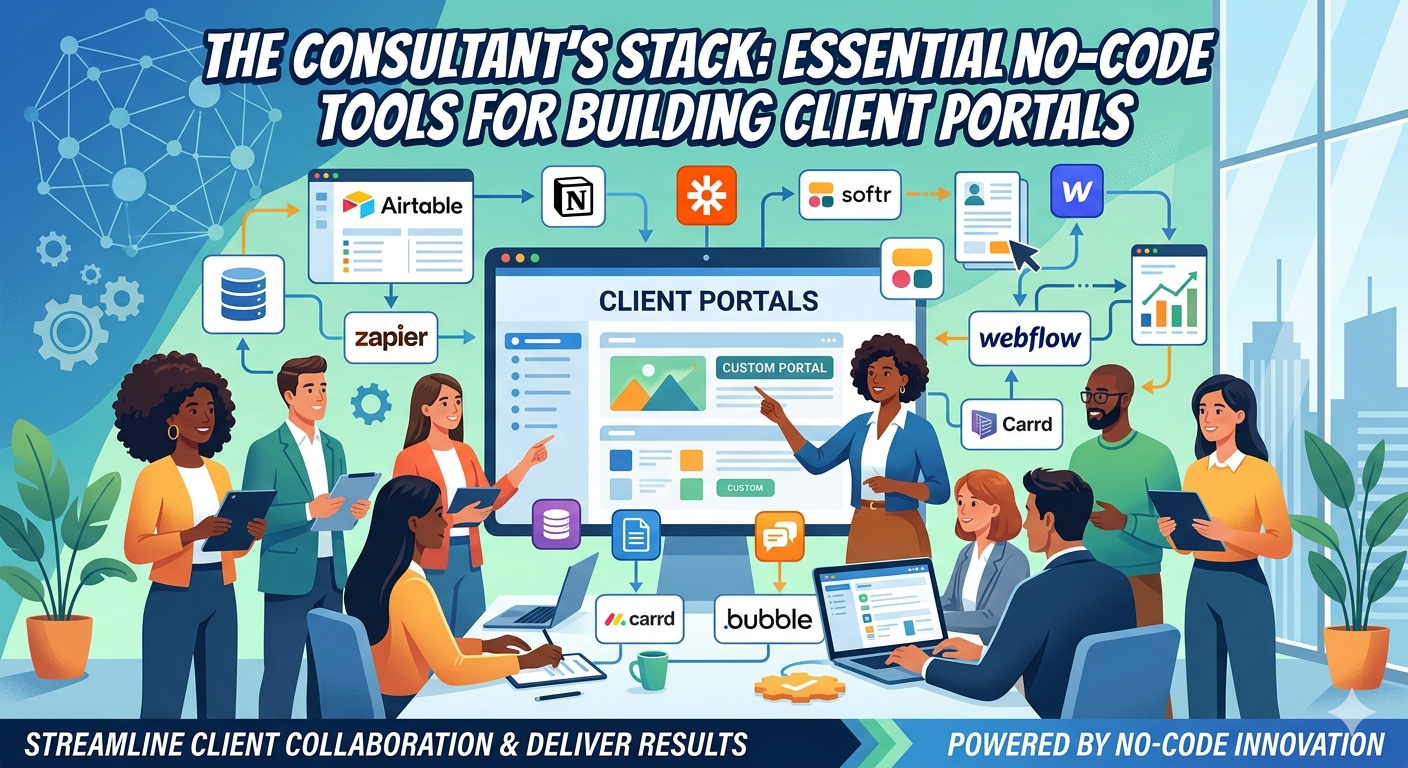
Your Client Portal Stack: The Core Four
Every effective consultant portal needs four layers: data storage, interface builder, automation glue, and payment/gatekeeping. Here’s how to stack them without touching code.
Data & Content: Airtable or Google Sheets
Start with where your client information lives. For most consultants, that’s project details, timelines, deliverables, and feedback. Airtable shines here because it combines spreadsheet familiarity with database power — you can link records, create views for different client stages, and attach files directly.
If you’re already deep in Google Workspace, Google Sheets combined with Apps Script can work too, but Airtable’s richer field types (checkboxes, dates, file attachments) and built-in interfaces make it the stronger choice for portals.
Pro tip: Use Airtable’s “Interface Designer” to create read-only views clients can access — no need to build a separate frontend just yet.
Interface & Access: Softr or Bubble
Now turn that data into a portal clients can actually log into. This is where Softr and Bubble come in.
Softr is the faster path if your data lives in Airtable or Google Sheets. It connects directly, lets you design login-protected pages with drag-and-drop blocks, and handles user roles (client vs. admin) out of the box. You can have a basic portal up in an hour.
Bubble offers more flexibility for complex logic — think conditional workflows, custom calculations, or multi-step wizards. It has a steeper learning curve but pays off if you need client-specific calculators, dynamic pricing, or intricate approval flows.
Both tools let you customize colors, fonts, and logos — so you can match your brand identity created in Canva or kept consistent across your Google Docs templates.
Automation & Glue: Make.com (formerly Integromat) or Zapier
Portals aren’t static; they need to trigger actions when clients upload files, submit forms, or update statuses. That’s where automation platforms shine.
Make.com and Zapier let you connect your portal (via webhooks or direct integrations) to your other tools: send a welcome email via Gmail when a client signs up, push project updates to a Google Doc, or create a task in your project management tool when a milestone is marked complete.
For consultants, the sweet spot is often Make.com — it’s more affordable for high-volume tasks, offers a visual scenarion builder that’s easy to follow, and includes built-in tools for data transformation (like formatting dates or extracting text from PDFs).
Payments & Gatekeeping: Gumroad or Stripe via Bubble/Softr
Finally, how do you charge for access? If you’re selling portal access as a product (e.g., “3-month strategy package with portal access”), Gumroad makes it stupid simple. You can create a product, deliver a portal access link after purchase, and even offer payment plans.
For more advanced scenarios — tiered access, subscription billing, or integrating payments directly into the portal workflow — Stripe via Bubble or Softr gives you full control. You can gate certain portal sections behind payment status, automate invoice generation, and keep everything in one ecosystem.
Putting It All Together: A Real-World Example
Let’s say you’re a sustainability consultant helping manufacturers reduce waste. Your client portal stack might look like this:
- Airtable: Base with client profiles, audit schedules, waste tracking logs, and report library.
- Softr: Login portal where clients view their audit progress, download reports from the Airtable attachment field, and submit improvement ideas via a form.
- Make.com: When a client submits an idea, it triggers a Google Doc update with the suggestion and sends you a Slack notification for follow-up.
- Gumroad: Clients purchase “6-month Waste Reduction Tracker” access; Gumroad triggers Softr to create their login credentials upon payment.
You built this in a Saturday afternoon, used tools with free tiers to start, and now deliver a professional experience that makes clients feel like they’re working with a firm — not a solo consultant.
Why This Stack Beats Custom Code (For Most Consultants)
Let’s be honest: custom-coded portals have their place, but they come with steep trade-offs that often don’t make sense for consulting businesses.
Speed to value: No-code tools let you iterate based on client feedback in hours, not weeks. You can add a new report view or tweak a workflow based on an actual client request before your next invoice is due.
Lower cost: Most of these tools offer free tiers or low-cost plans that scale with your usage. You’re not paying a developer $100/hour to maintain a portal that only a handful of clients use.
Ownership & flexibility: If you outgrow a tool (say, you need more complex calculations than Softr offers), you can migrate your Airtable base to Bubble or even export to a traditional stack later. Your data stays portable.
Focus on your expertise: Every hour you spend wrestling with CSS bugs or API authentication is an hour not spent delivering value to clients. The consultant’s stack lets you spend more time doing what you’re paid for — your unique knowledge.
Actionable Steps to Build Your First Portal
- Map your client journey: Write down the exact steps a client takes from onboarding to project completion. Identify where they need access to information, where they need to submit something, and where you need to notify them.
- Choose your data layer: Start with Airtable if you’re unsure; it’s the most versatile for consulting workflows.
- Pick an interface builder: Try Softr first for speed; if you hit limitations, explore Bubble.
- Set up one automation: Use Make.com to connect a form submission to a Google Doc update or email notification — just to see the magic work.
- Decide on monetization: Will portal access be included in your retainer, a separate product, or a tiered offering? Pick Gumroad for simplicity or Stripe via your builder for flexibility.
- Brand it: Use Canva to create a simple logo and color palette, then apply those colors in Softr/Bubble and your Google Docs templates for a cohesive feel.
- Pilot with one client: Offer portal access to a current client at a discount in exchange for feedback. Their real-world usage will reveal gaps you never imagined in planning.
The Consultant’s Advantage
You already have something most software founders envy: direct access to clients who trust you and pay for your expertise. The consultant’s stack isn’t about becoming a tech founder — it’s about leveraging your existing relationships to deliver more value, more efficiently, without scaling your time linearly.
Remember, the most effective client portals aren’t the ones with the fanciest animations or the most features. They’re the ones that make clients feel informed, empowered, and connected to your work — turning every interaction into a reinforcement of why they hired you in the first place.
So take that stack you’ve been imagining — Airtable, Softr, Make.com, Gumroad — and build the simplest version that solves one real pain point for your next client. You’ll be amazed at how quickly “just a consultant” starts to feel like “the go-to expert with the slick client portal.”
I’m curious to see what you may want to build.. Let me know your ideas in the comments below & take care!